First, go to the Gmail app on your mobile phone. If you don’t have it, download it from the Google Play Store or the App Store.
Once you open the app, you will need to sign in with your email account by entering your address and password.
Next, to activate chats (Google Chat) within the app, tap the three-line menu icon (☰) in the top-left corner.
A drop-down menu will appear; tap the “Settings” button.
A screen showing your accounts will then appear. Select your email account and look for the “General” or “Chat” section.
Then, check the box labeled “Show Chat and Spaces tabs” (or simply “Chat”).
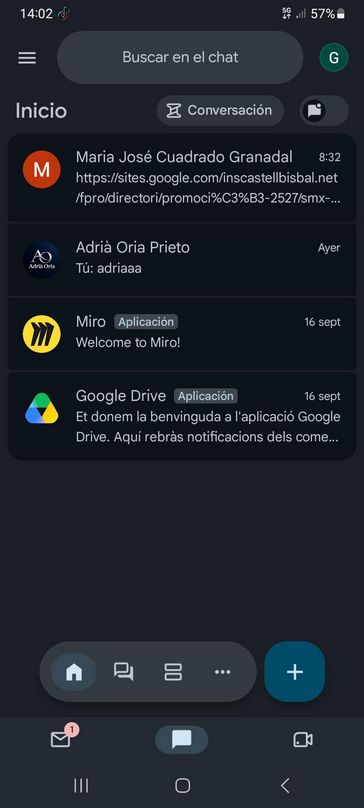
Once everything is enabled, you will see new “Mail” and “Chat” tabs appear at the bottom of the Gmail home screen, and everything will be synchronized in one place.
the work in modle
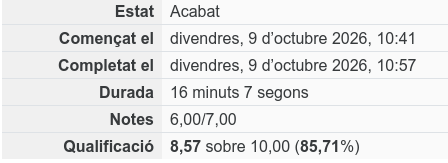
First listening exercise
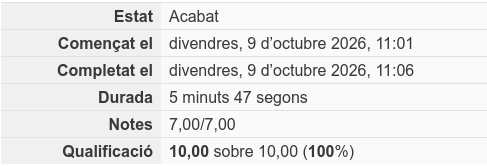
second listening exercise