First of all, we need to open Gmail.
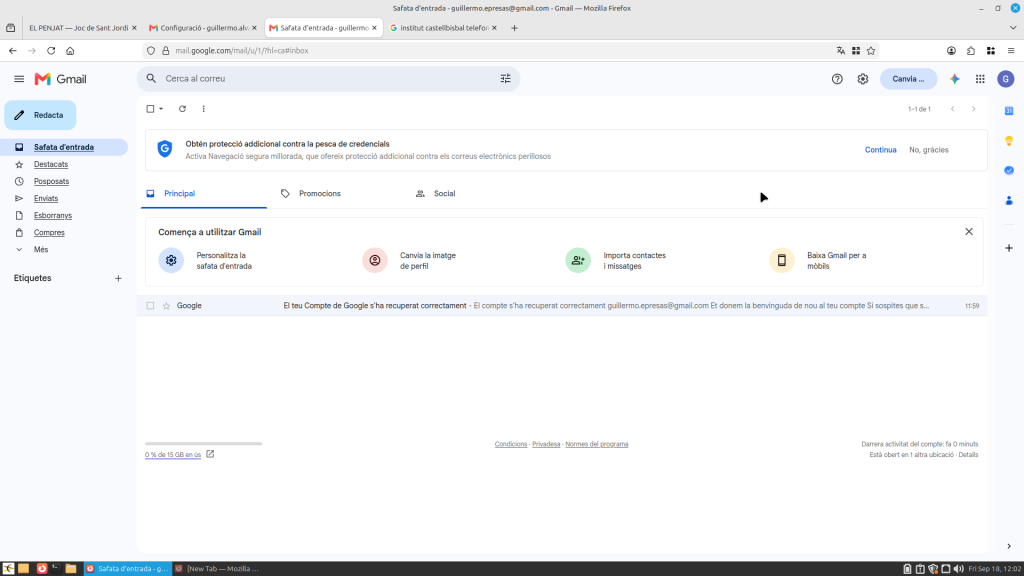
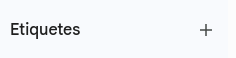
Once inside, a button appears at the bottom left labeled “label” followed by a plus symbol; click the plus symbol.
Once you click, this menu will appear.
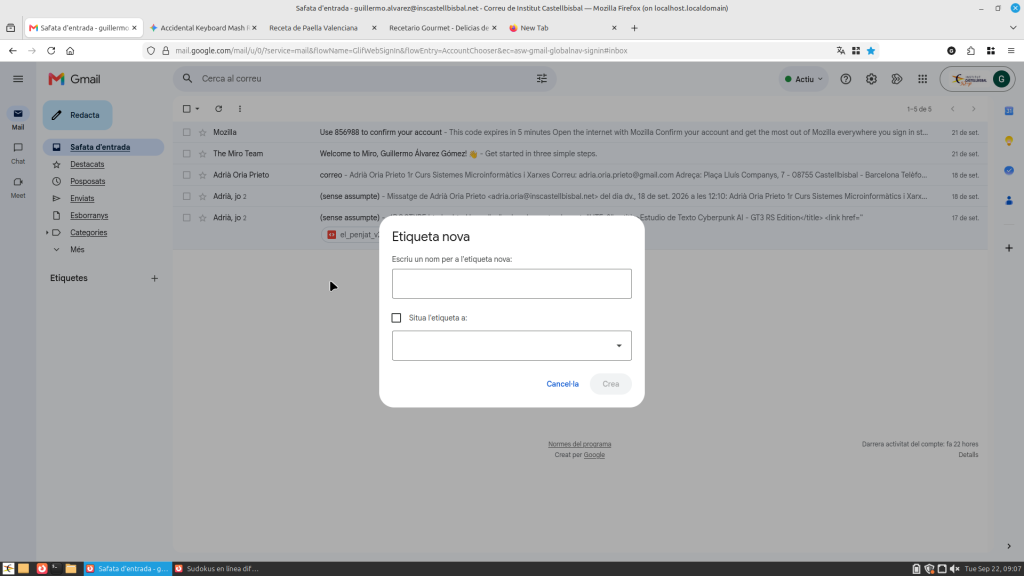
Here, you simply enter the name you want for the label and click the create button.
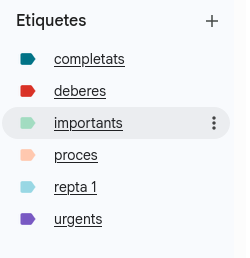
Once that’s done, the label will appear at the bottom left, below where you clicked previously.
the work in modle
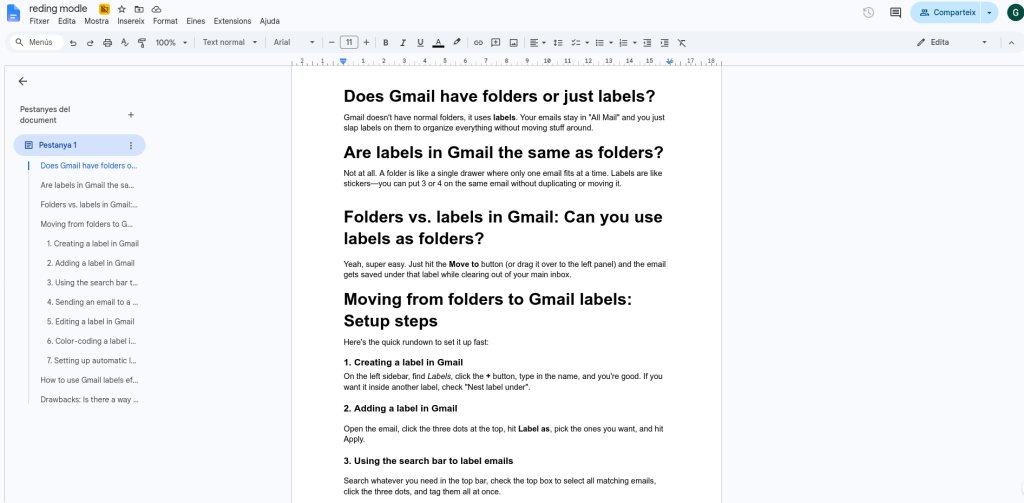
reding
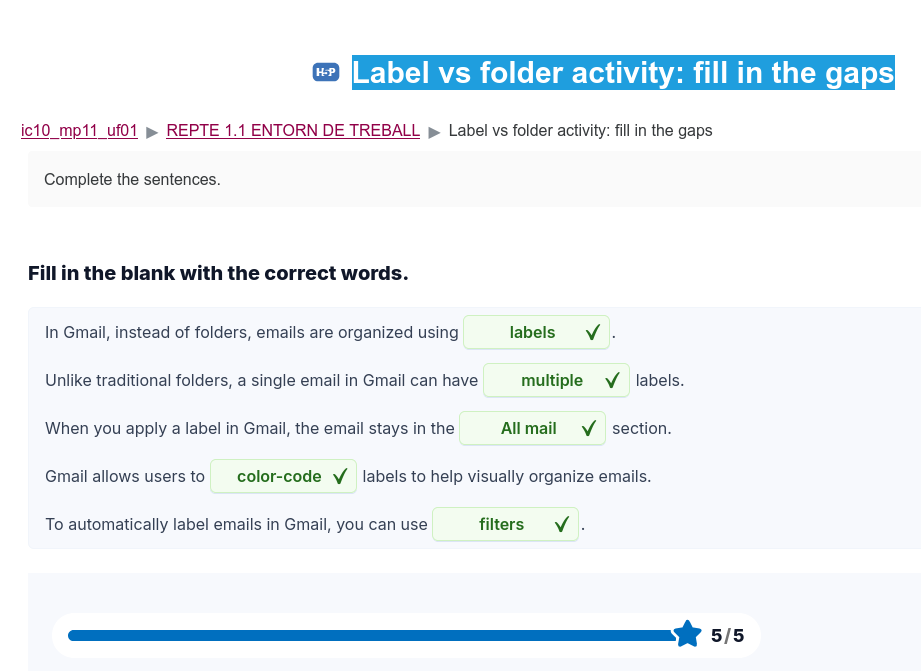
Label vs folder activity: fill in the gaps
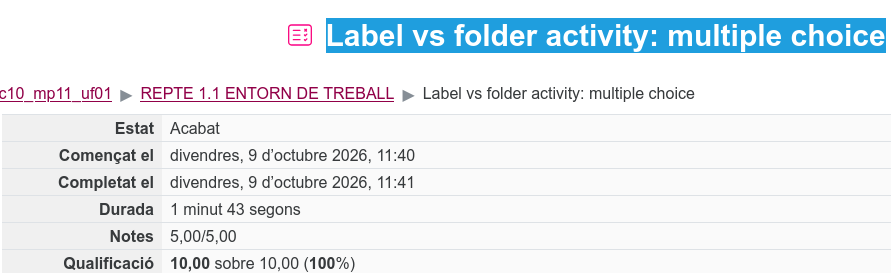
Label vs folder activity: multiple choice